Compress images for the web
Drop a photo and switch the export format to WebP or lower the JPEG quality to shrink file size. See the savings percentage and output size before downloading.
Convert between formats
Transform PNG to WebP for smaller payloads, or convert JPEG to PNG for lossless output. Download in any of the three supported formats regardless of the source.
Resize and crop to exact dimensions
Set precise pixel dimensions or pick from presets like 1080p, 720p, Open Graph (1200x630), or Square. Crop with aspect-ratio guides for social media and thumbnails.
Annotate and mark up images
Add arrows, text labels, numbered markers, blur sensitive regions, or freehand draw with the brush tool. Choose from 12 preset colors and adjust stroke width and opacity.
Strip EXIF and GPS metadata
Upload a photo from your camera or phone, inspect EXIF data across camera, exposure, and timestamp groups, check for GPS coordinates, then download a clean copy with all metadata removed.
Rotate and flip photos
Rotate left or right in 90-degree increments, or flip horizontally and vertically to fix orientation issues without opening a desktop editor.
Image Toolkit runs entirely in your browser tab. No data is uploaded, no server processes your input, and no account is required.

Encode and decode Base64 for text, files, images, audio, and video.
Encoding & Data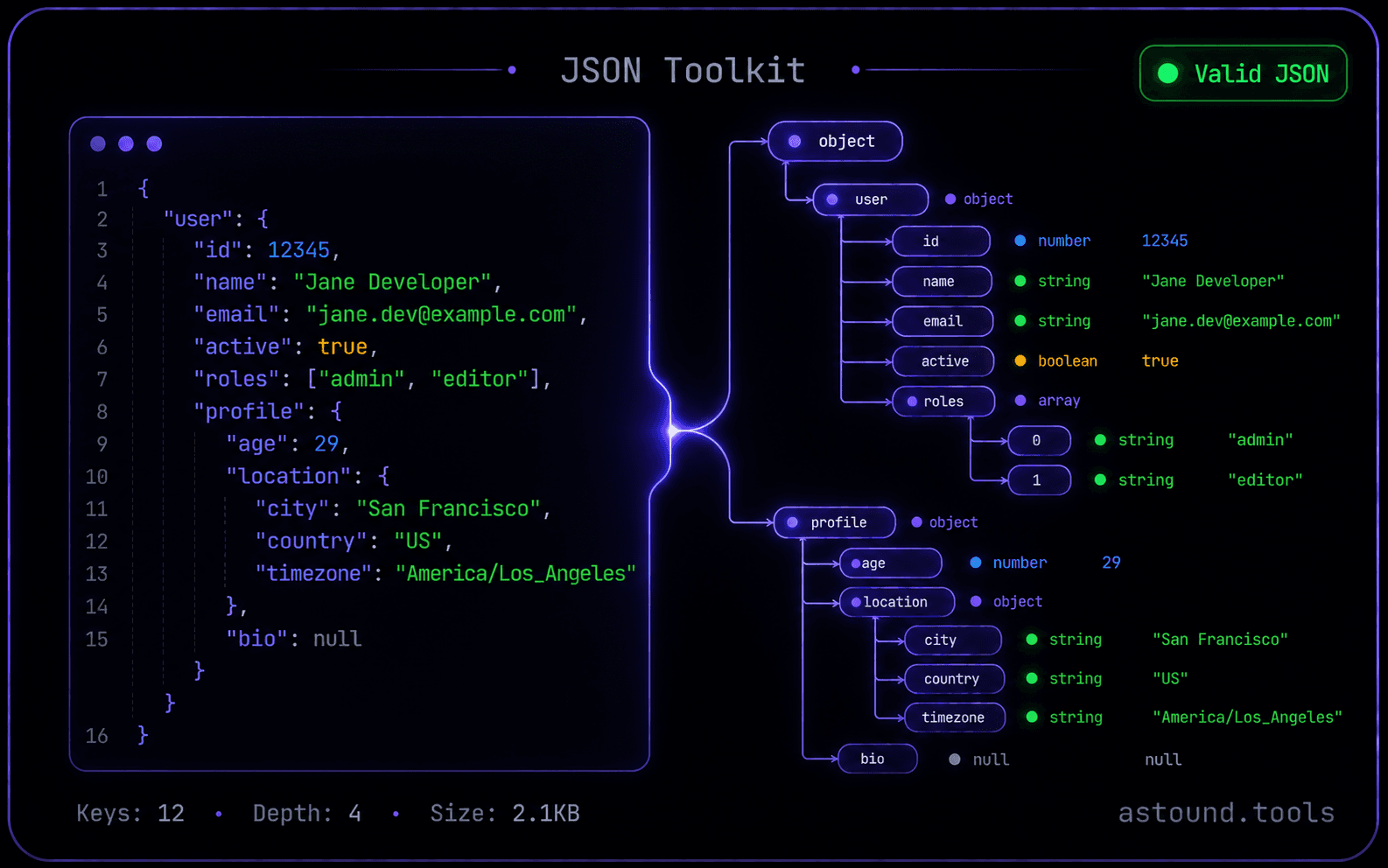
Format, validate, minify, and explore JSON with tree, table, and map views.
Encoding & Data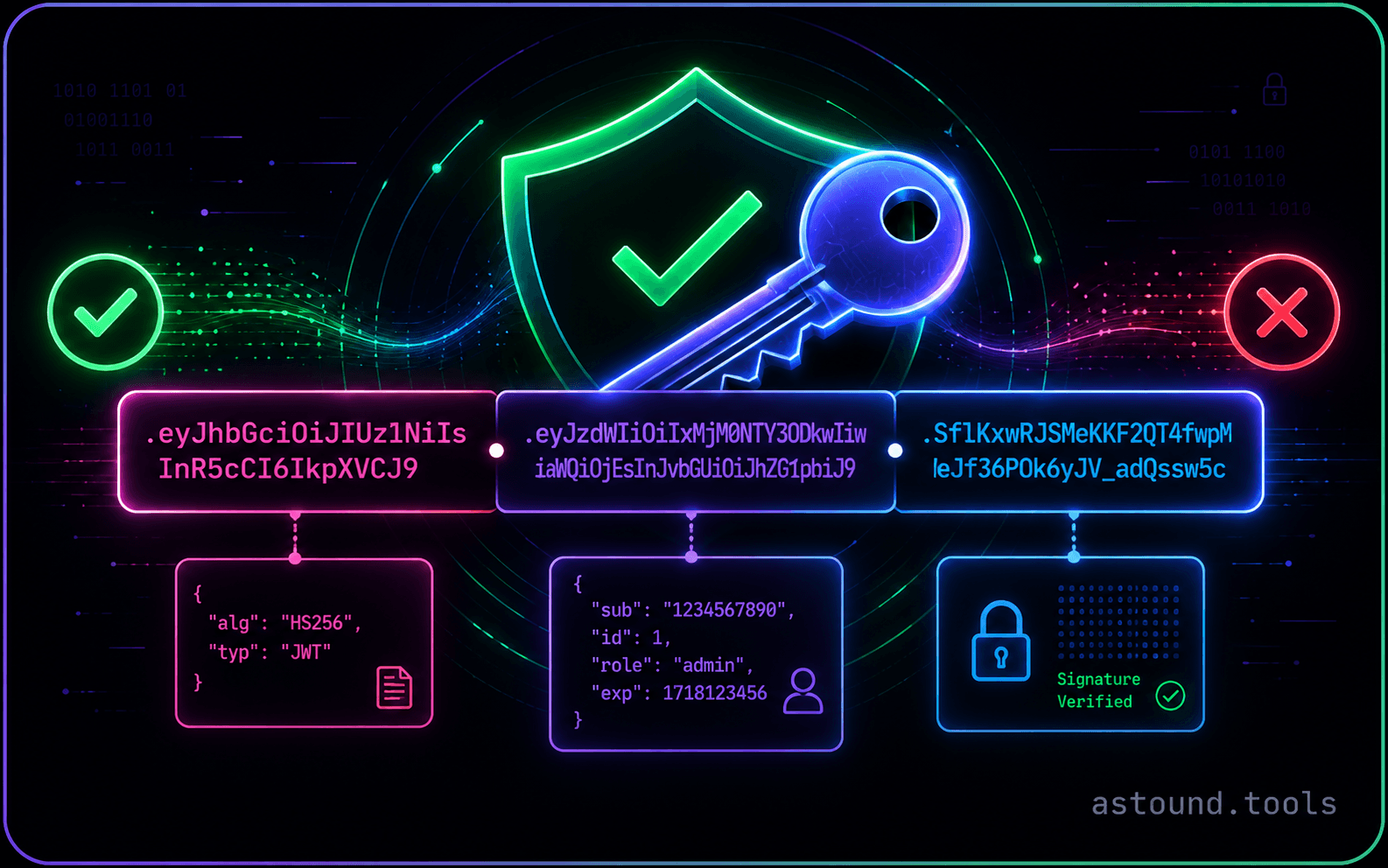
Decode, verify (HMAC/RSA/ECDSA), encode, and compare JWTs side-by-side.
Security & Auth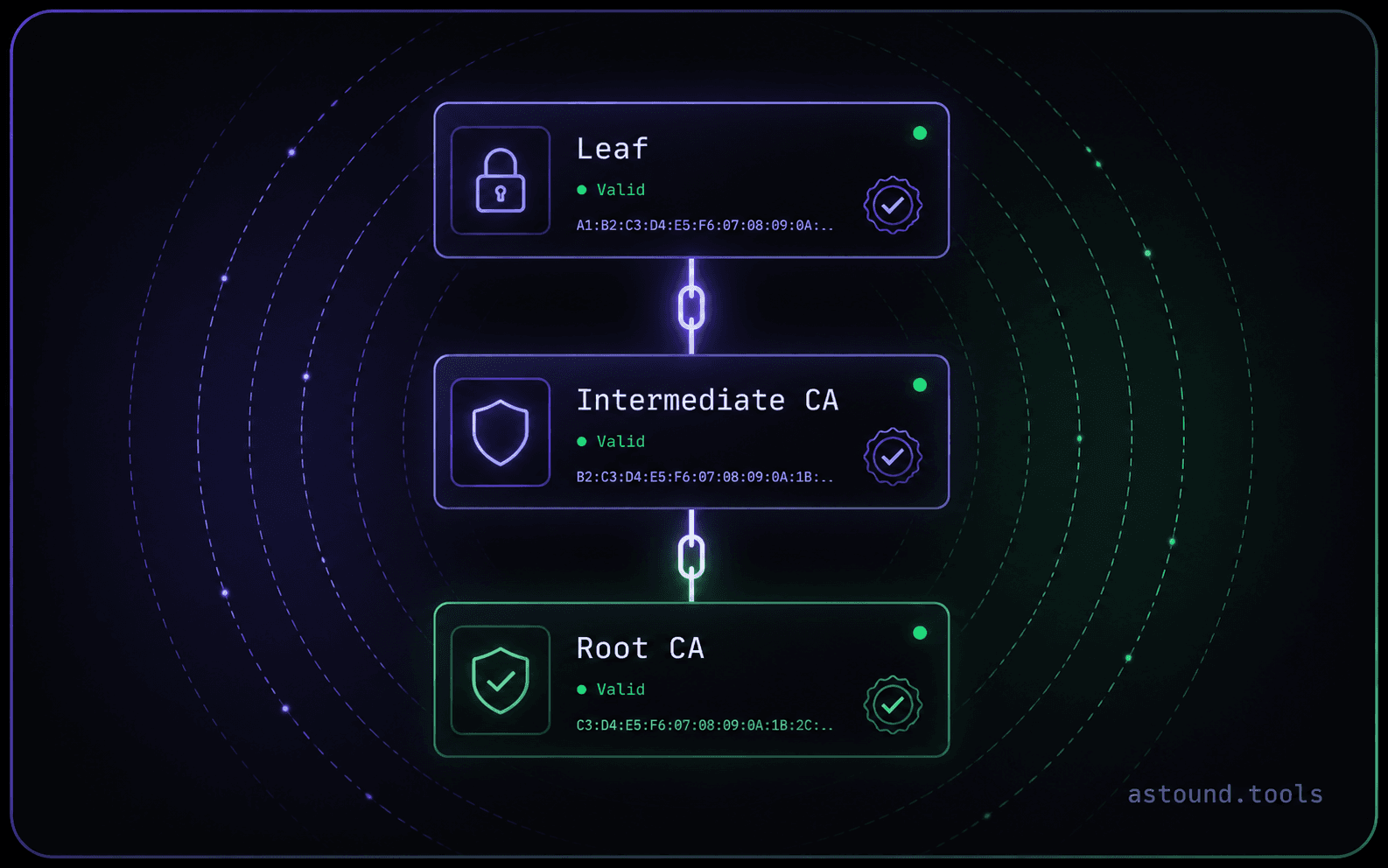
Decode SSL/TLS certificates, chains, SANs, and fingerprints.
Security & Auth